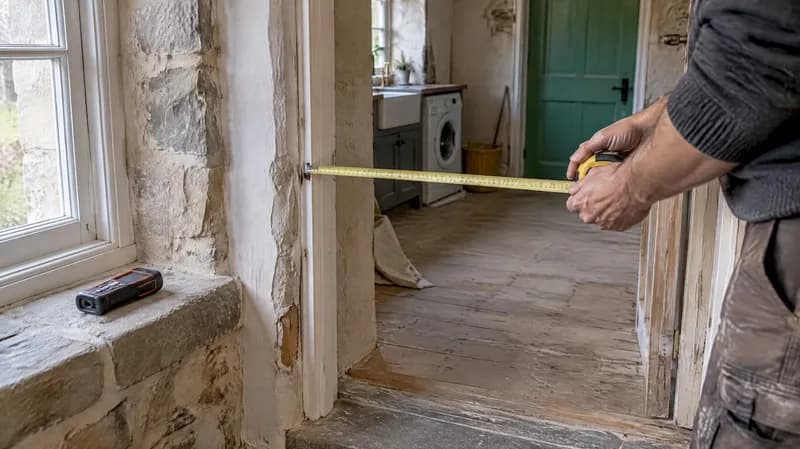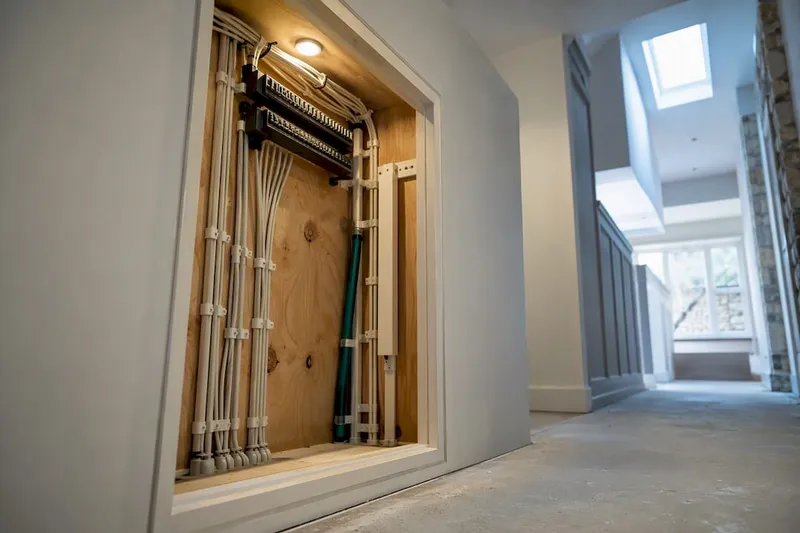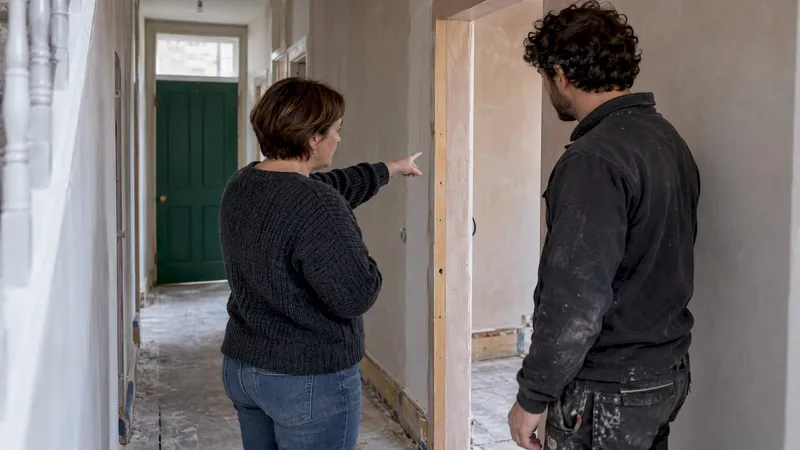
A renovation communication plan names who decides what, how often you meet, which channels you use, how approvals are recorded, and how change orders are handled. Set these five pieces before work starts, and you avoid the single biggest source of rework and rows on site: nobody knowing who was supposed to say yes.
TL;DR:
- Naming a single decision maker for design and budget, with clear approval thresholds, significantly reduces confusion and rework during renovation projects.
- Using a dedicated decision log to document all approvals and changes with dates prevents costly misunderstandings and accountability issues.
- Assigning channels for specific messages—urgent issues via SMS and updates via email—helps avoid important information getting lost in cluttered communication.
- Implementing a structured schedule of daily updates, weekly reviews, and milestone handovers improves project transparency and quickens issue resolution.
- Recording all change orders with scope, cost, schedule impact, and signatures ensures proper contract amendments and prevents disputes.
Table of Contents
- A ready-to-use checklist to draft your plan today
- Roles, responsibilities and naming decision authority
- Choosing channels and tools: what to use for what
- Cadence and avoiding information bottlenecks (sample schedule)
- Change orders and contracts: what to record and where
- Meeting agendas and a handover checklist you can reuse
- Author perspective and how House A-Z supports these routines
- What this gets wrong (and what actually matters)
- Try House A-Z to run your communication plan
- FAQ
- Sources
A ready-to-use checklist to draft your plan today
You do not need fancy software to start. Copy this checklist into an email to your contractor, pin it to the fridge, or paste it into a shared document before the first day on site.
- Name one decision maker for design, one for budget, and agree who breaks a tie.
- Set a meeting cadence with regular intervals that suit your project and confirm the channel for urgent issues.
- Agree how approvals get recorded: a signed email, a shared log, or both.
- Decide where documents and photos live, and how files get named.
- Write down what happens if you disagree on a change or a delay.
For a small job like a bathroom refit, a single shared email thread and a weekly photo update may cover points three and four. On a full renovation, turn each item into its own contract clause so there is no ambiguity when things move fast, as our meeting agenda guidance sets out in more detail.
Roles, responsibilities and naming decision authority
Most rework on a renovation site traces back to the same root cause: someone assumed they had permission to proceed, and they did not, which is why clear communication reduces disputes and delays. Research into construction project failures links this kind of role ambiguity and interaction breakdown directly to rework and disputes, which is why naming a single decision authority matters more than any app you buy.
Your plan should spell out:
- Who approves design choices, and who approves spending above an agreed threshold.
- Whether your contractor's site lead can approve minor substitutions without checking with you first.
- How delegated authority for trades or suppliers gets written down, not just assumed.
- A decision log with dates, so every choice has a paper trail.
Pro Tip: Treat any significant change, not just large ones, as a full decision package rather than a quick verbal nod.
Our decision log template gives you a five-step routine for keeping this current without extra admin.
Choosing channels and tools: what to use for what
Pick a channel for each kind of message, and stick to it, so nothing important gets buried in a chat thread full of photos of tile samples.
- Use SMS or a phone call for anything urgent: a leak, a safety issue, or a delivery that has gone wrong.
- Use a weekly email summary for progress, costs to date, and decisions still open.
- Keep photo updates in one shared folder, not scattered across three apps.
- Choose a tool with version history and an audit trail, so you can see who approved what and when.
- Label photos and documents by date and room, such as "2026-03-14-kitchen-plumbing", so anyone can find them months later.
A spreadsheet works for a small job. For a larger one, a dedicated renovation project management tool saves you from hunting through email for the one approval that matters.
Cadence and avoiding information bottlenecks (sample schedule)
A realistic schedule looks like this:
- Kickoff meeting before work begins, covering scope and contacts.
- Daily short notes or photos from the site lead, even a single line.
- Weekly review covering decisions, costs and next steps.
- Milestone handovers at each major phase, such as framing or first fix.
Research into construction scheduling has found that detecting information bottlenecks works best when teams focus on unresolved, high-interdependency activities rather than updating everyone on everything equally. In practice, that means your weekly review should flag long-lead materials, pending inspections and any decision still waiting on you, not just a general progress note. When dependencies pile up (an inspection waiting on a delivery waiting on your sign-off), tighten the cadence for that item alone rather than adding more meetings for everyone.
Change orders and contracts: what to record and where
A change order is a written record, not a conversation. Government guidance on construction projects defines a change order as a formal document that modifies the original contract and should capture scope, cost and signed approval before work proceeds.
Your change-order package should include:
- The reason for the change.
- The revised scope of work.
- The pricing method, whether fixed price or time and materials.
- The schedule impact, in days or weeks.
- The named approver and their signature.
Bodies such as the NAHB contracts library recommend building communication frequency and change-order procedure directly into the contract itself, not as a side agreement. One simple habit protects you more than any clause: always convert a verbal "yes, go ahead" into a signed email before the trade picks up a tool. Our change order explainer breaks this down in homeowner language.
Meeting agendas and a handover checklist you can reuse
A kickoff meeting and a weekly review need different agendas, and a handover needs a checklist of its own.
- Kickoff: confirm scope, milestones, approval process, emergency contacts, and insurance or safety requirements.
- Weekly review: progress against schedule, open issues, decisions needed, costs to date, and next actions with owners.
- Handover: collect warranties, appliance and material manuals, supplier contact details, and final sign-offs in one place.
The Canadian Home Builders' Association advises homeowners to insist on written contracts and documented warranties precisely because verbal handovers are where paperwork goes missing. Our kickoff agenda templates and handover checklist give you a version of each you can reuse on the next project.
Author perspective and how House A-Z supports these routines
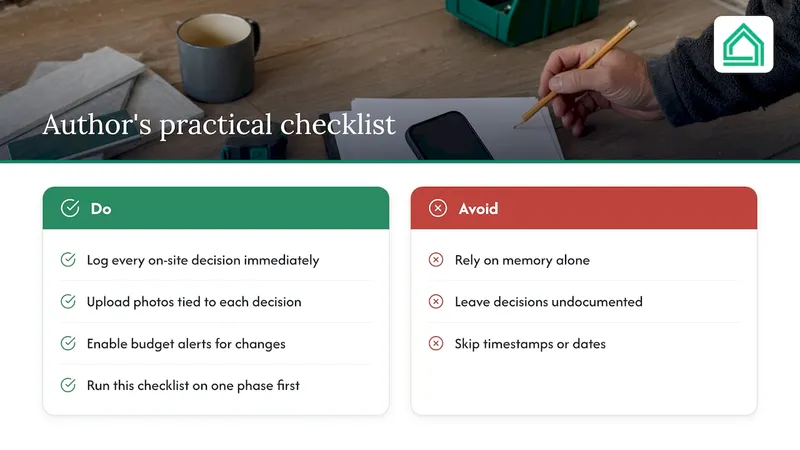
Having watched first-time renovators lose weeks to the same avoidable mix-ups, the pattern repeats: a decision gets made on-site, nobody writes it down, and three weeks later two parties remember it differently. We built decision logs, photo uploads and budget alerts to catch exactly that gap, turning a hallway conversation into a timestamped record. One user traced a near-duplicate order back to a logged decision and avoided a costly reorder. Start small: run this checklist on one phase of your project before relying on it for the whole build.
What this gets wrong (and what actually matters)
The conventional advice on renovation communication fixates on tools: which app, which chat group, which shared drive. That misses the point. A beautifully organised spreadsheet does nothing if nobody has agreed who is allowed to approve a £3,000 tile upgrade without asking first.
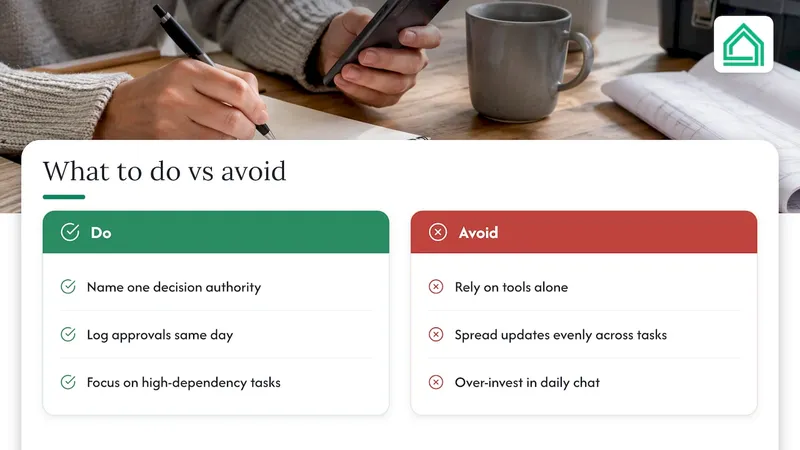
What the evidence here actually supports is narrower and less exciting than a new app: name one decision authority before anything else, write down approvals the same day they happen, and spend your communication effort on the few activities with the most dependencies rather than spreading updates evenly across everything. Most homeowners over-invest in daily chat and under-invest in the one clause that would have prevented their worst dispute.
If you do only one thing from this article, make it the decision log. Everything else, cadence, channels, contract wording, exists to feed that log accurately.
— Azai
FAQ
How often should you communicate during a renovation?
Regular reviews covering progress, costs and open decisions work well for many projects, with frequent short notes or photos from the site lead in between. Tighten this for any activity with several dependencies, such as an inspection waiting on a delivery.
Who should have final decision authority on a renovation?
One named person, usually the homeowner or a delegate, should hold final sign-off on design and spending above an agreed threshold. Clearer authority and recorded approvals have been linked to less rework on construction projects.
What should a change order include?
A change order should record the reason for the change, the revised scope, the pricing method, the schedule impact, and a named approver's signature. Government change order guidance treats this as a written amendment to the original contract, not a verbal agreement.
What should go in a renovation handover checklist?
A handover checklist should cover warranties, appliance and material manuals, supplier contact details, and final sign-offs, all collected before the final payment. Keeping these in one place protects the documentation that written-contract guidance from the Canadian Home Builders' Association recommends homeowners insist on.
Do I need software to manage renovation communication?
No, a shared document or spreadsheet is enough for a small job if you agree a clear cadence and a single decision log. Larger projects with more dependencies benefit from a dedicated tool such as House A-Z's planning features, which keep decisions, photos and costs in one searchable place.
Sources
- Hold‑ups and failures in negotiated order: rework causation (ASCE)
- NAHB contracts library
- Change Order FAQs | Georgia Department of Community Affairs
- Contracts: Get it in writing | Canadian Home Builders' Association